

Network-wide Minecraft
reporting & moderation
ReportBridge unifies player reports across your entire network - proxy, web, and Discord - so your staff never miss a thing.
Built for modern Minecraft networks
Everything you need for seamless cross-server moderation.
Network-wide reporting
Players report rule-breakers with one command; staff manage everything from a single place across every backend server.

BungeeCord & Velocity
One report system, both proxies. Shared core logic with thin platform adapters.
Web dashboard
Review, claim, resolve and dismiss reports from anywhere, with full audit history and real-time updates.

Discord integration
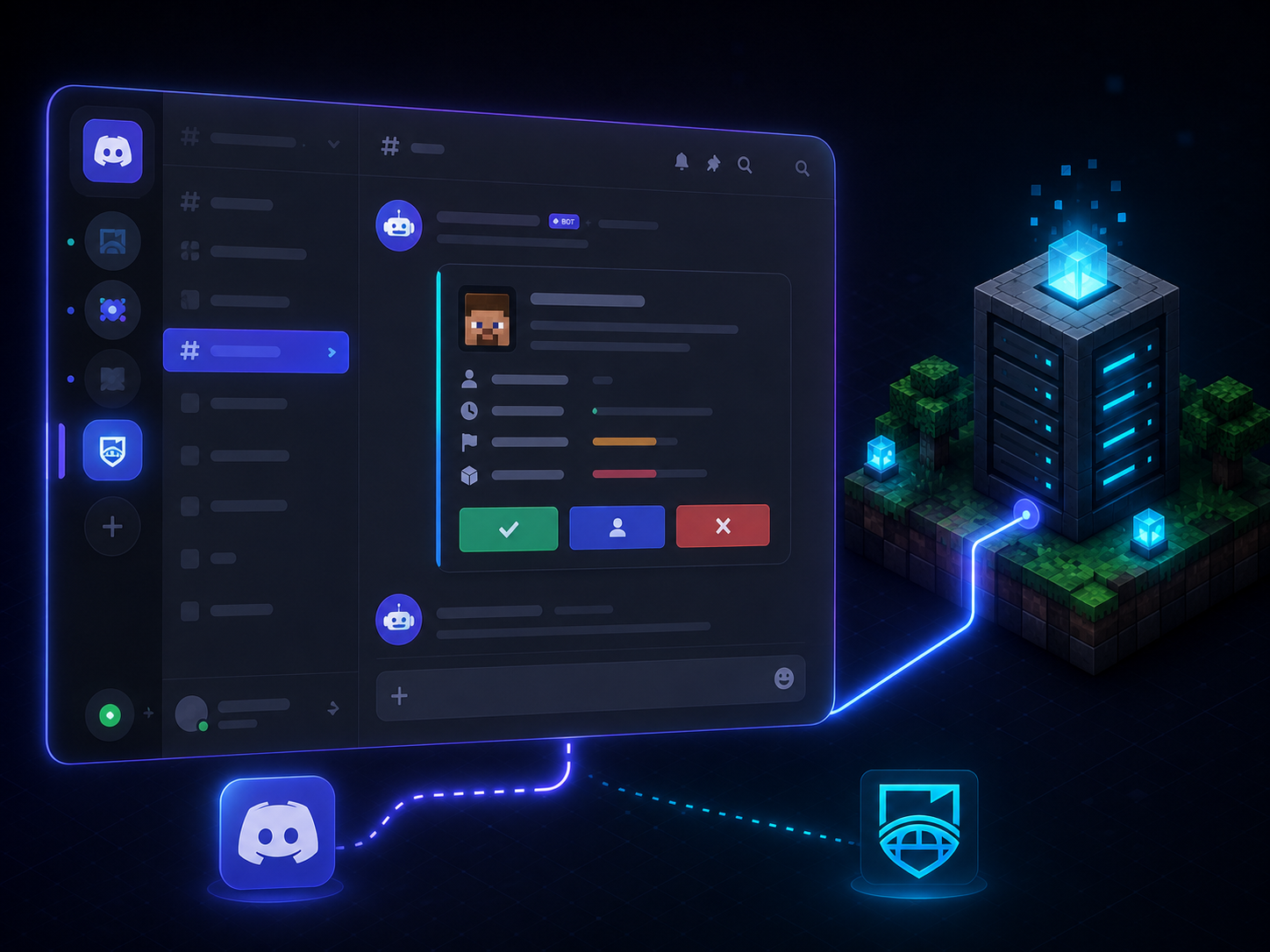
Report notifications and slash-command/button management, right inside Discord.
Local-first + cloud sync
Reports always save locally and mirror to the cloud. If the API is offline, they queue and sync automatically - nothing is lost.
Team & permissions
Invite staff and control who can view, claim, resolve or manage - all role-based.
Set up in minutes
Get ReportBridge running on your network in four simple steps.
Download ReportBridge
Get the latest release from SpigotMC. The download includes the BungeeCord and Velocity jars (plus the optional backend sound companion).
Install the plugin
Drop ReportBridge into your BungeeCord or Velocity proxy plugins folder and start it once to generate the config.
Create a network
Sign in here, open Dashboard → Network and create a network for your server.
Generate API keys
On Dashboard → API, click Generate new key. Copy the Network ID, API Key and API Secret (shown once).
Connect & reload
Paste the credentials into the plugin config under connection (mode: cloud) and run /report reload. Done.

Example plugin config (connection section)
connection:
  mode: cloud
  api-url: "https://api.reportbridge-mc.scify-tech.com"
  network-id: "network_xxxxx"   # from Dashboard -> Network
  api-key: "rb_xxxxx"           # from Dashboard -> API
  api-secret: "xxxxxxxx"        # shown once when generated
Prefer standalone? Leave mode: local and the plugin runs fully self-contained with its own database - no account needed.